

❗此汉化补丁已过时!
最近我参与到了Trilium Next官方的汉化贡献,在最新的Trilium Next v0.104.0之后的版本中,此功能已经全量汉化。并且已经支持中文筛选,您可以在 / 后输入短语以过滤面板中的结果,并轻松找到所需的命令。
前言
这是适配Trilium Next v0.103.0的汉化补丁。
在Trilium Next v0.96.0更新后新增了“/”触发的快捷斜杠命令 Slash Commands。
您可以在 / 后输入短语以过滤面板中的结果,并轻松找到所需的命令。
但是直到已经v0.103.0版本了,社区对这个功能的汉化依旧不完整。
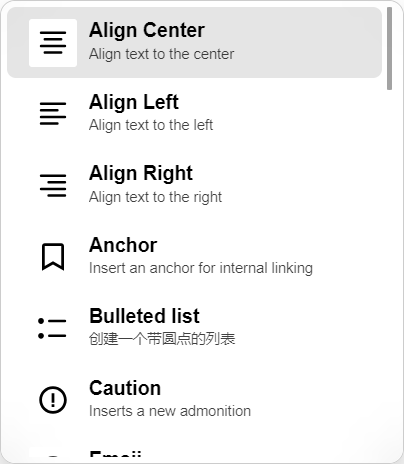 | 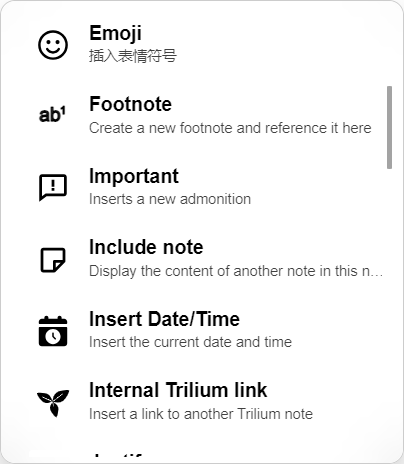 | 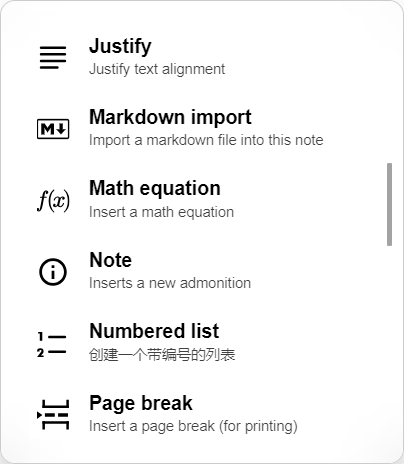 | 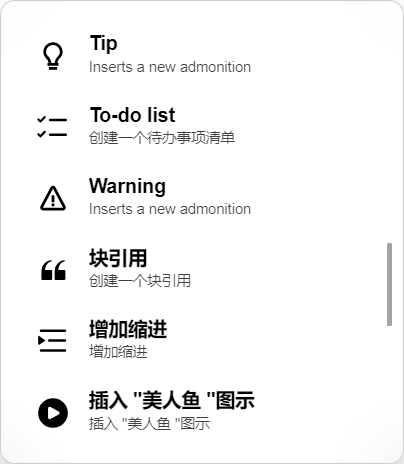 |
于是0代码基础的UP尝试向AI请教,竟然成功完成了这个菜单的汉化补丁。
使用方法
使用方法:
运行 Trilium Next,
右键左侧树导航中自己存放Trilium 扩展的笔记,
导入到笔记(取消勾选安全导入),
按F5或ctrl+r刷新页面。
导入数据前,最好提前备份下数据,防止意外导致数据文件损坏。
如果未生效,请检查是否给笔记打上了标签:#run=frontendStartup
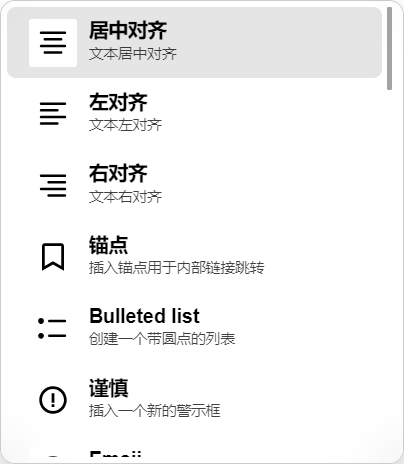 | 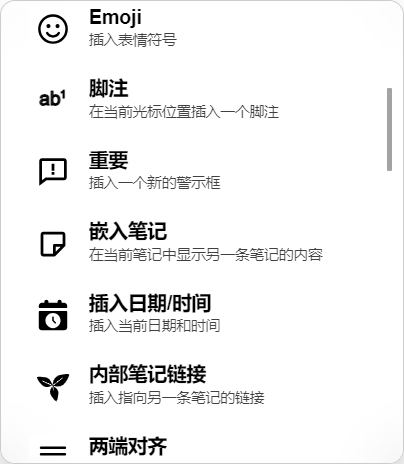 | 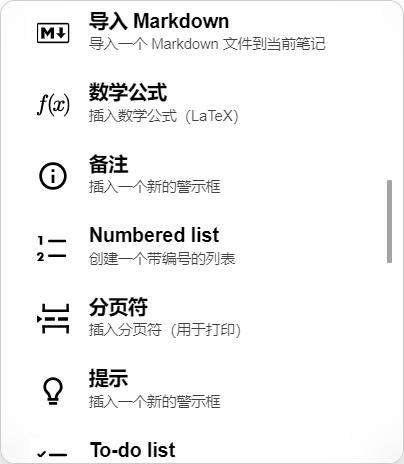 | 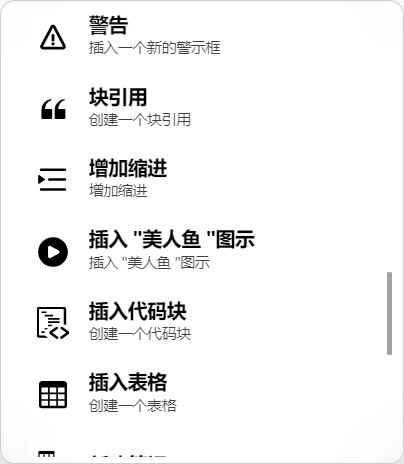 |
部分Slash Commands未被汉化原因(参考)
问题在于 Trilium 自己添加的自定义斜杠命令——这些命令都在extra_slash_commands.ts文件中,它们的描述是硬编码在源码里的英文 ,如下。
// extra_slash_commands.ts 里面全是硬编码英文
{ title: "Footnote",              description: "Create a new footnote and reference it here" }
{ title: "Insert Date/Time",      description: "Insert the current date and time" }
{ title: "Internal Trilium link", description: "Insert a link to another Trilium note" }
{ title: "Math equation",         description: "Insert a math equation" }
{ title: "Include note",          description: "Display the content of another note in this note" }
{ title: "Markdown import",       description: "Import a markdown file into this note" }
{ title: "Anchor",                description: "Insert an anchor for internal linking" }
{ title: "Note/Tip/Important/..." description: "Inserts a new admonition" }
针对硬编码的英文斜杠命令,AI建议写一个前端脚本用 MutationObserver 拦截 UI 文本替换。
脚本工作原理
你按 / 键
    ↓
CKEditor 动态创建 Slash Commands 面板(英文)
    ↓
MutationObserver 检测到新 DOM 出现
    ↓
扫描所有文本节点,匹配翻译映射表
    ↓
"Footnote" → "脚注"
"Insert Date/Time" → "插入日期/时间"
"Internal Trilium link" → "内部笔记链接"
... 其余 30+ 条全部替换